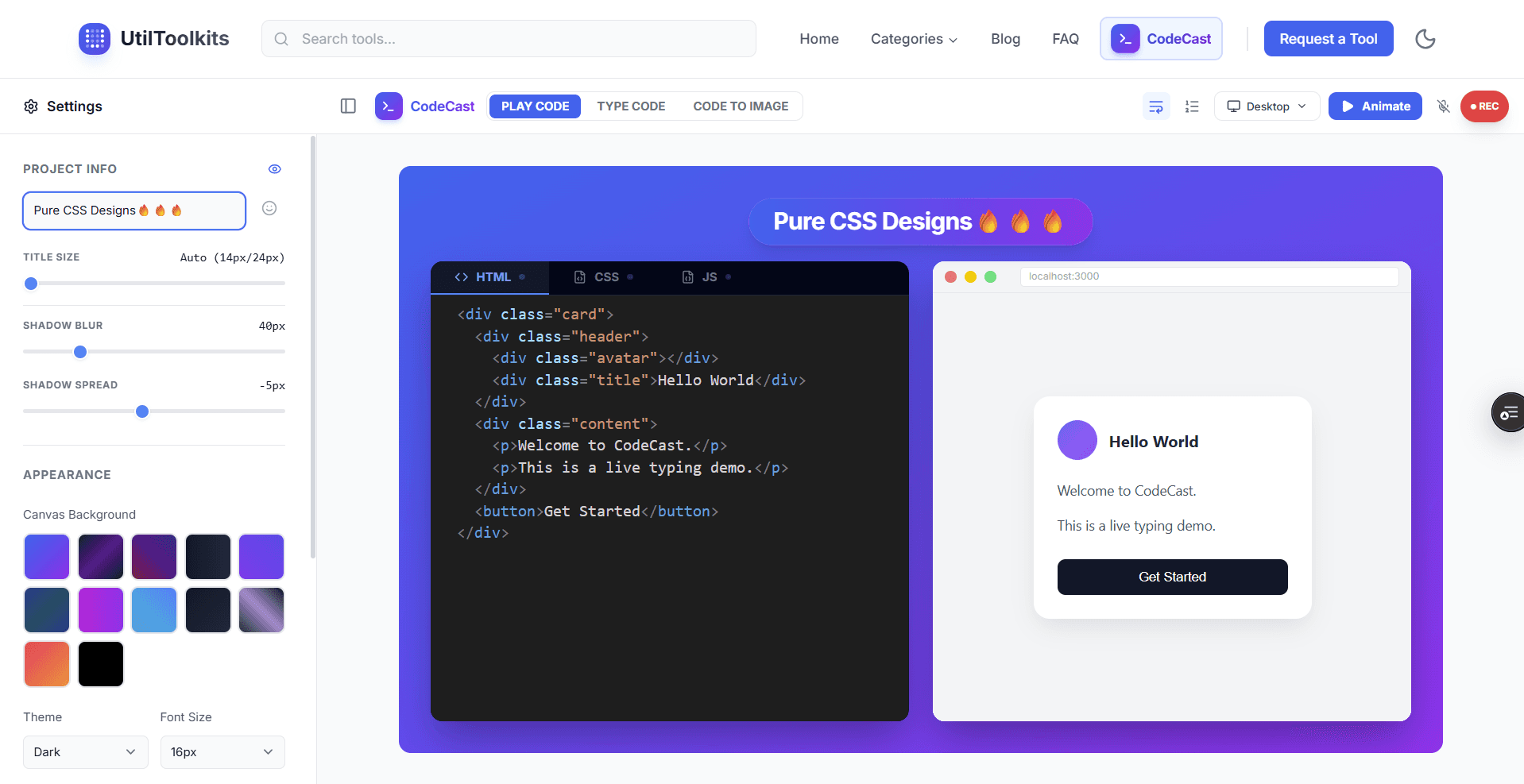
Target Audience
Built for people who teach code
Whether you have 10 followers or 1 million, CodeCast helps you produce professional content faster.
Educators
Replace boring slides with dynamic code reveals that keep students awake.
Content Creators
Pump out high-quality Reels, Shorts, and TikToks in minutes, not hours.
Developers
Show off your latest library or feature with crystal-clear visual documentation.
Tech Writers
Embed lightweight, high-res animations directly into your tech blog posts.
Stop making messy screen recordings
Transform your coding content from "hard to follow" to studio quality in seconds.
❌The Old Way
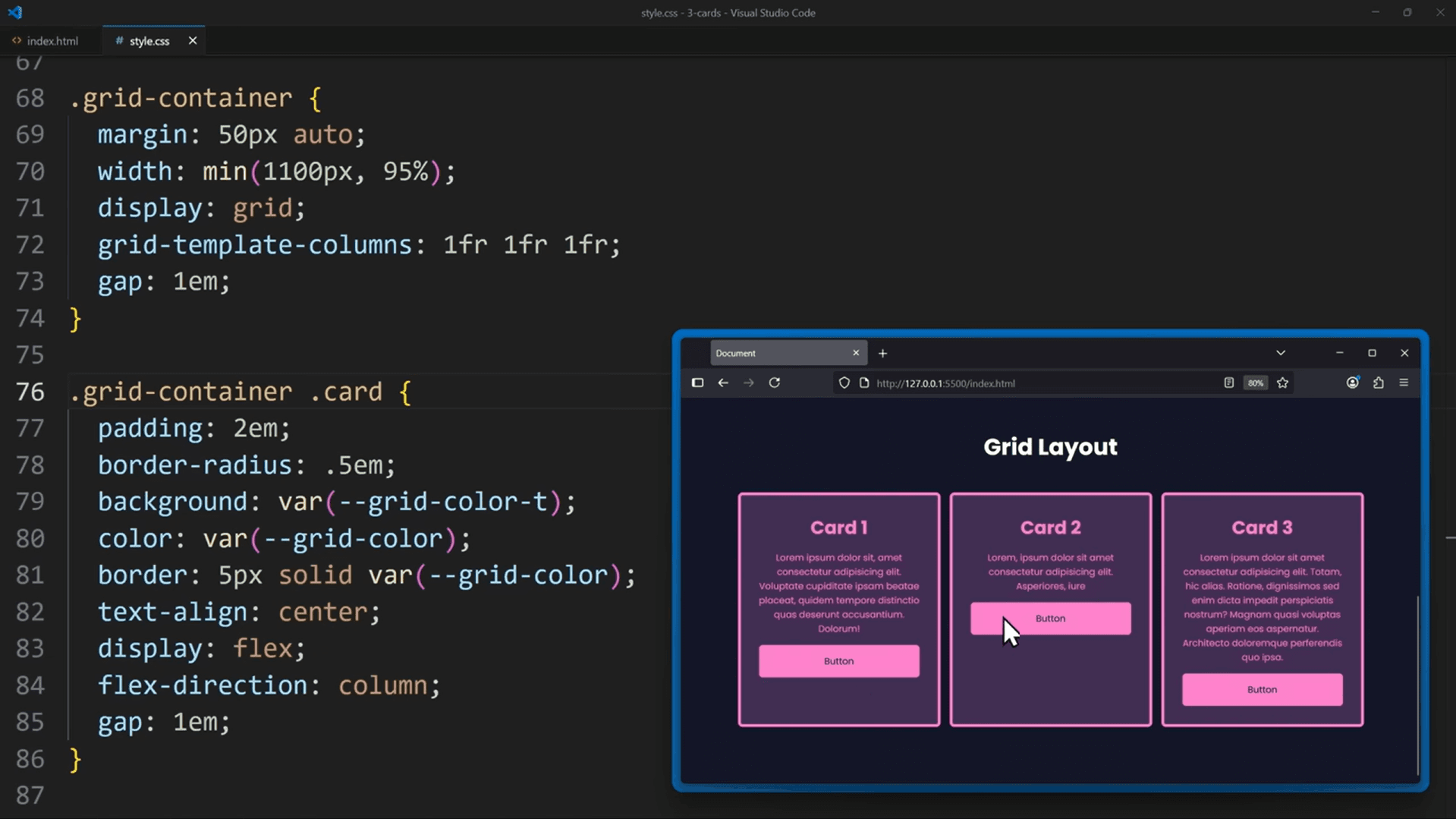
- Tiny text & blurry zooming
- Cluttered UI & distractions
- No live output preview
➔
✨With CodeCast
PRO LOOK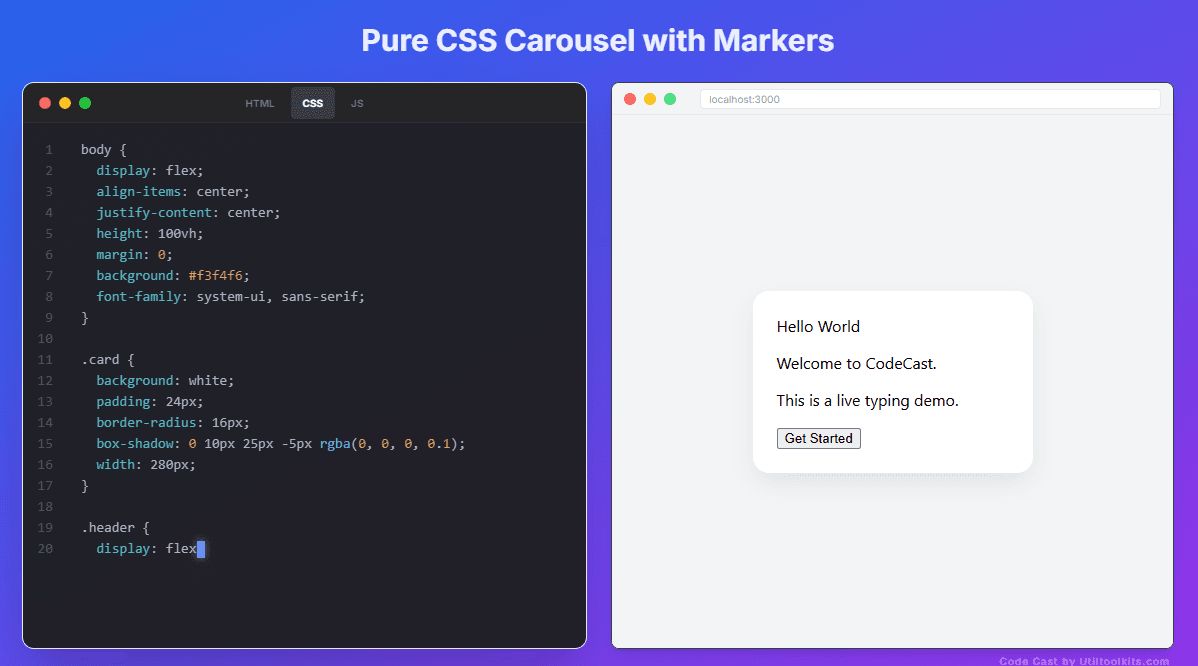
- Studio-quality syntax highlighting
- Smooth, cinematic typing
- Live, side-by-side preview
Viewers lose focus. | Creators lose engagement.
What you can do with CodeCast
Turn Code into Watchable Content
CodeCast lets you transform plain code into engaging visual demos that people can watch, understand, and remember — perfect for tutorials, short videos, and documentation.
Auto Code Animation
Paste your HTML, CSS, or JavaScript and let CodeCast automatically animate the typing.
- No manual typing needed
- Smooth, realistic animation
Live Code (real typing)
Type code yourself and record it in real time. Capture your real typing flow.
- Optional keyboard sound
- Adjustable typing speed
Code → Image
Convert your code snippet into a clean, shareable image for social media.
- High-res export
- Custom themes & fonts
Live Preview Alongside Code
Show code and output together in a realistic preview layout. Write code on one side, see results on the other — live.
HTML/CSS/JSMobile Demo
Fully Customizable
Make your content match your brand with custom themes, fonts, and backgrounds.
Made for Socials
Export perfectly sized videos for TikTok, Instagram Reels, YouTube Shorts, and X.
Built for Developers & Educators
Whether you’re teaching HTML, explaining UI concepts, or showcasing snippets, CodeCast helps your code speak visually.
CodeCast is not a screen recorder — it’s a storytelling tool for code.
How CodeCast Works
Simple. Fast. No setup.
1
Choose your mode
- Auto Code
- Live Code
- Code → Image
2
Add your code
- Paste or write code
- Live syntax highlighting
- Distraction-free editor
3
Customize the look
- Theme & background
- Font size & spacing
- Preview layout
4
Export & share
- MP4 / GIF / Image
- Optimized for socials
- No watermarks
No installs. No heavy screen recorders.
Just clean, focused code demos.
Perfect For
Built for modern code creators
Coding Tutorials
Teach by showing code and output together.
HTML/CSS/JSReact BasicsUI Layouts
Short-Form Videos
Auto-animate snippets in seconds.
ShortsReelsTikTok
CSS & UI Demos
Viewers understand faster when they see it happen.
AnimationsHover EffectsComponents
Developer Explanations
Explain logic without screen clutter.
JS ConceptsWalkthroughsPresentations
Blog & Docs Visuals
No screenshots. No extra tools.
BlogsSlidesThumbnails
Personal Branding
Consistent, professional-looking content.
Tips & TricksSnippetsGrowth
Who Uses CodeCast?
Frontend Developers
Educators & Mentors
Content Creators
Indie Hackers
"If you teach, explain, or share code — CodeCast fits your workflow."
Community Showcase
Videos made with CodeCast
See how creators are using CodeCast to make amazing coding content
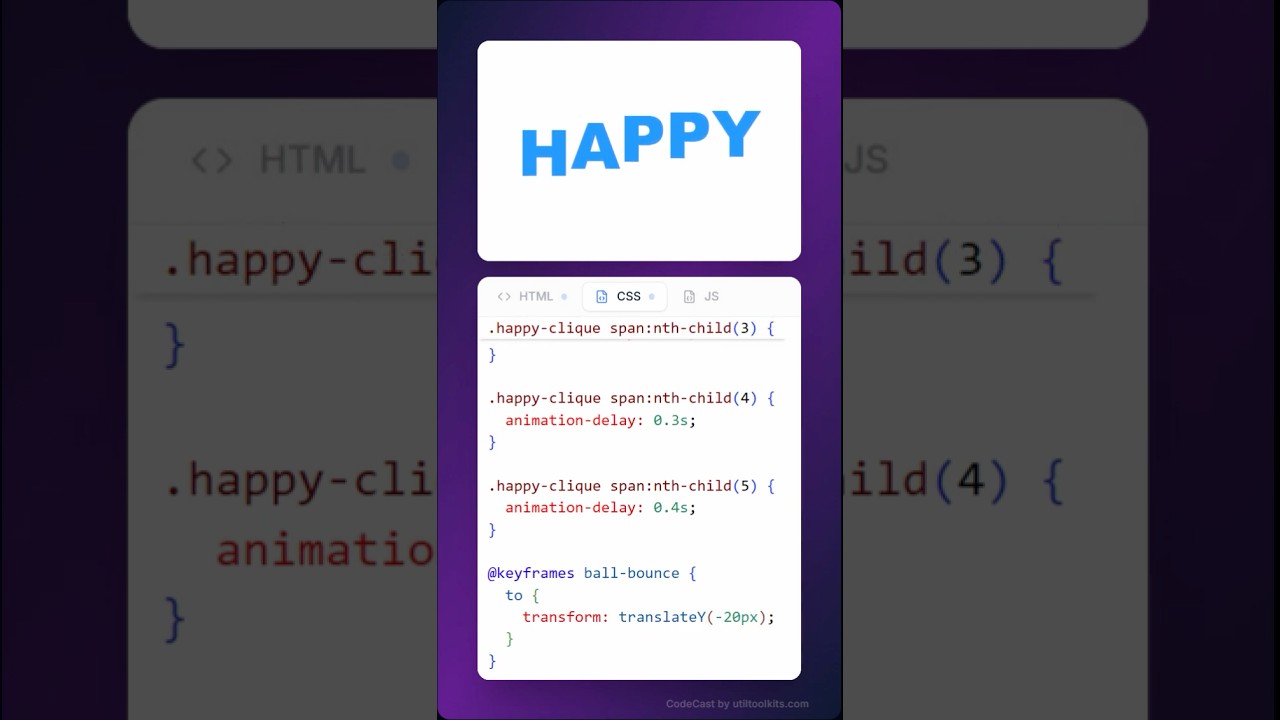
Example Video 1
Description of video made with CodeCast
HTMLCSSTutorial
Creator Name•1/1/2024
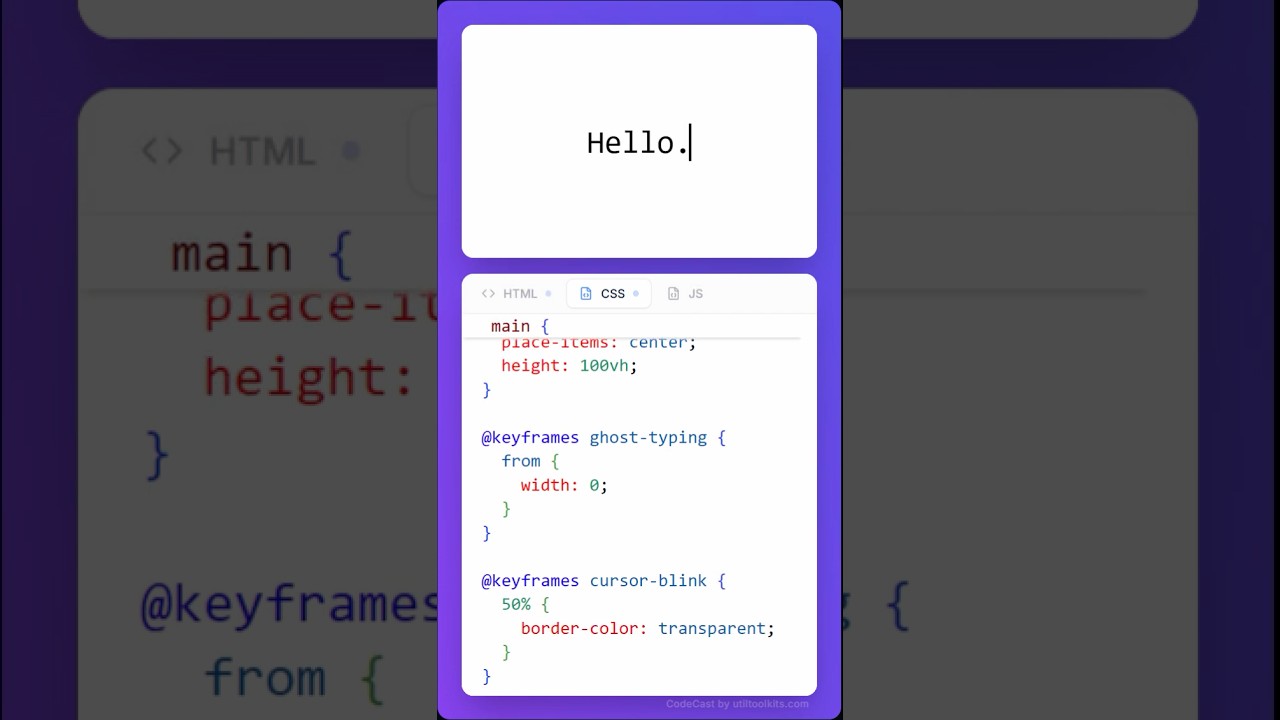
Example Video 2
Another amazing CodeCast video
JavaScriptAnimation
Creator Name•1/2/2024
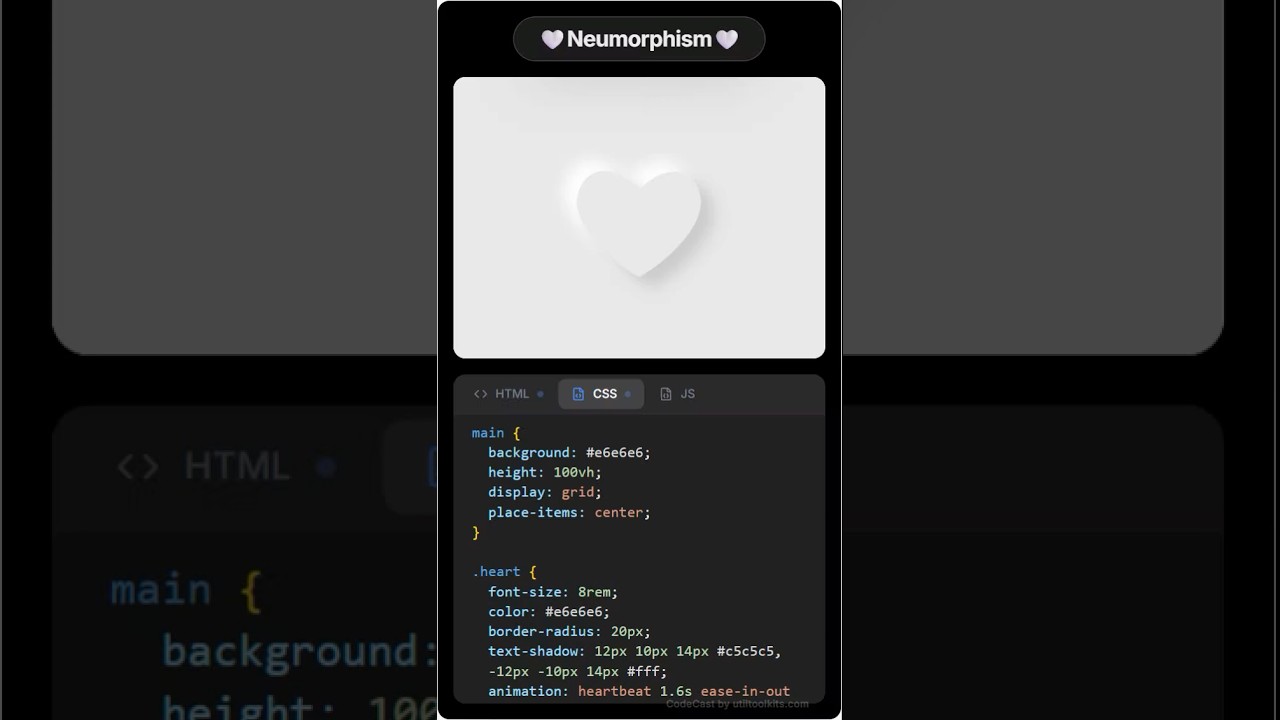
Example Video 3
CSS animations made easy
CSSAnimation
Creator Name•1/3/2024
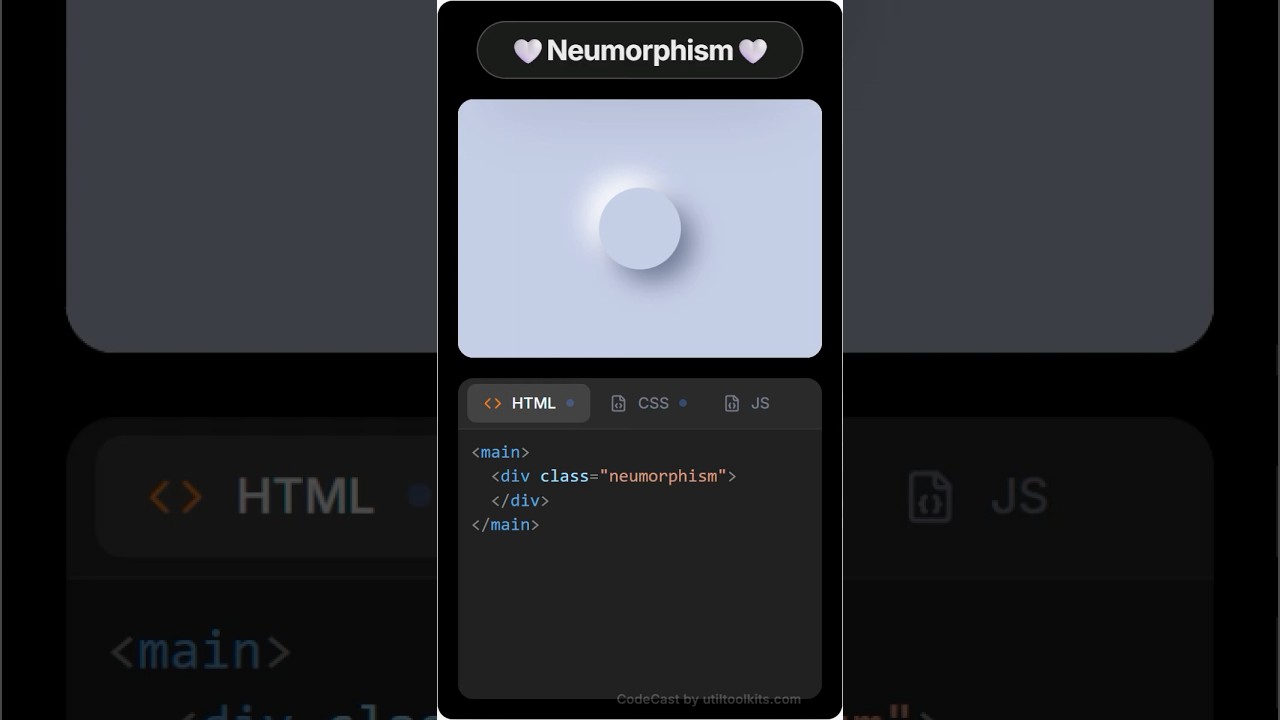
Example Video 4
React components tutorial
ReactComponents
Creator Name•1/4/2024
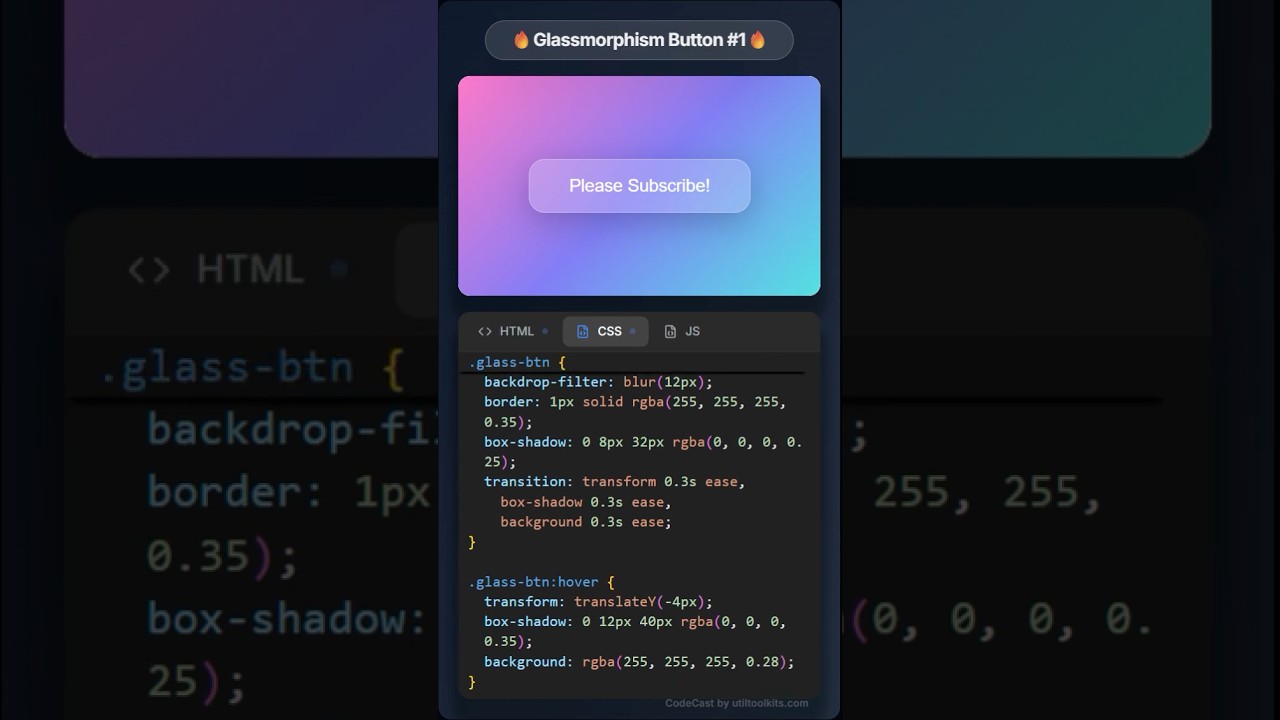
Example Video 5
UI design with HTML/CSS
HTMLCSSDesign
Creator Name•1/5/2024
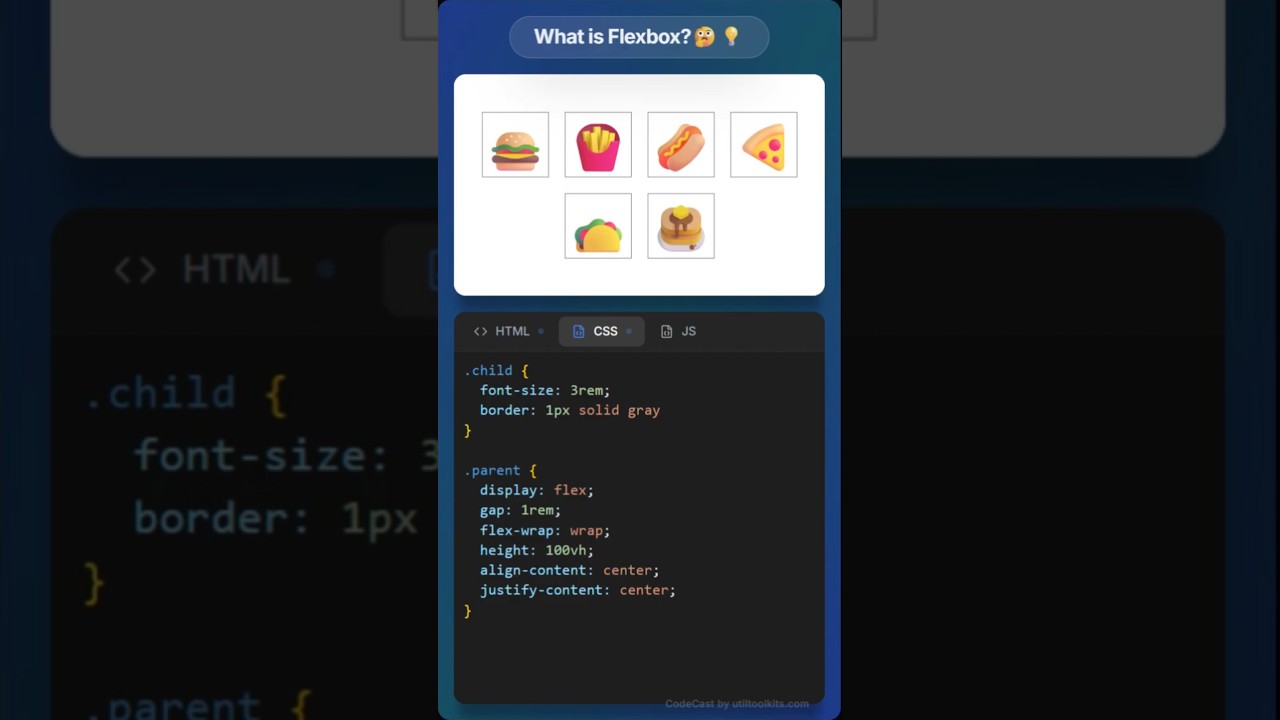
Example Video 6
JavaScript tricks and tips
JavaScriptTips
Creator Name•1/6/2024
Ready to ship?
Start creating better code demos
Join thousands of developers turning static code into engaging video content.
Instant access. No setup.
Free for everyone. No sign-up required.